

Category: Uncategorized
-

How Managed WordPress Hosting Can Level Up Your Business
If your business relies on its website for lead generation, ecommerce, or brand authority, the foundation that site is built on matters. For businesses scaling on the world’s most popular CMS, the choice often comes down to standard hosting versus a managed solution. But what exactly is the difference, and is the upgrade worth the…
-
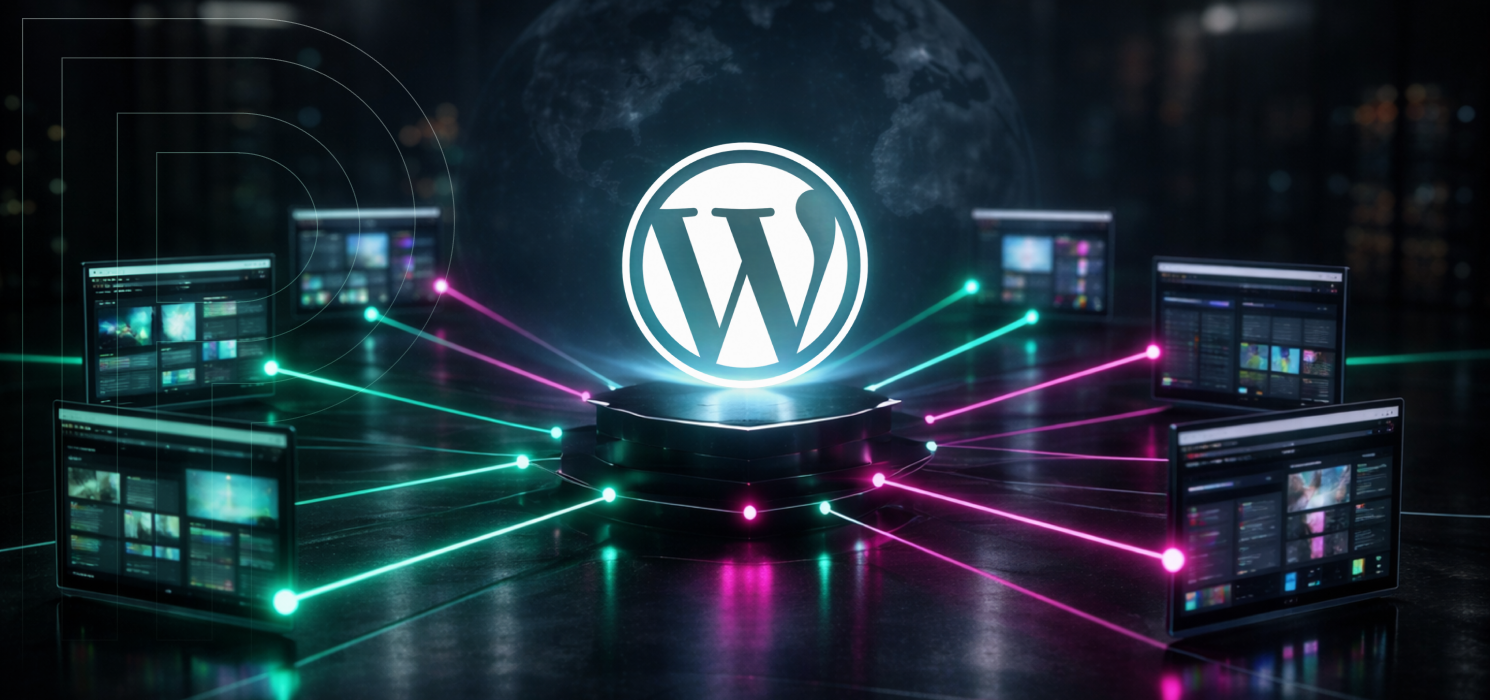
What is WordPress Multisite?
WordPress Multisite is a feature that lets you run several websites from a single WordPress install. You get one set of core files, one wp-config.php, and one place to manage your themes and plugins. Each site keeps its own content, settings, and media library separate, but you manage everything from a central Network Admin area.…
-
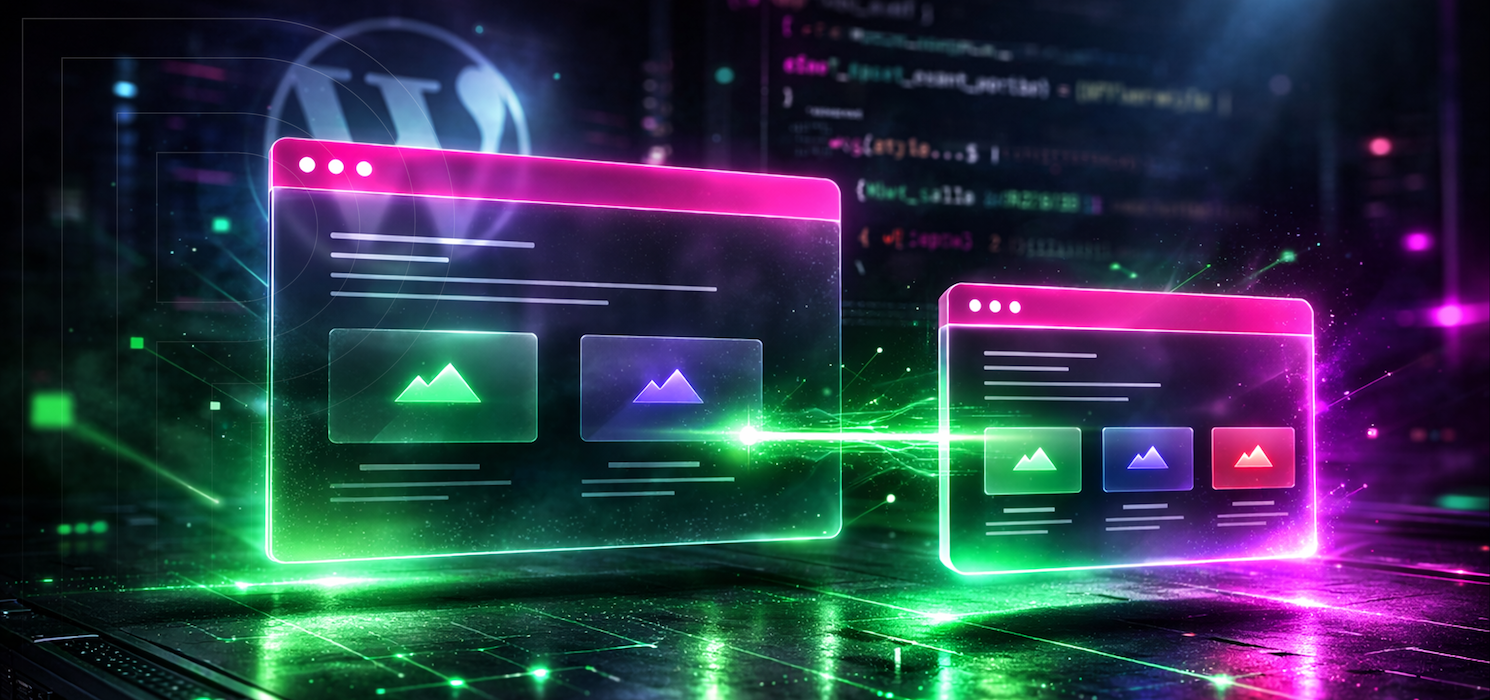
How to Create a WordPress Child Theme
If you’ve ever made a tweak to your WordPress theme and felt a little nervous before hitting “Update,” you’re definitely not alone. Themes get updated, files get replaced, and the more you customize, the more you need a safe spot for your changes to live. That’s where a child theme comes in. In this guide,…
-

SSH Basics
If you’ve spent any time looking into web hosting, server management, or WordPress development, you’ve probably run into the acronym SSH. It pops up in hosting dashboards, developer guides, and just about every conversation about server security. But what is SSH, really? And why does it matter for you? Here’s the short version: SSH stands…
-

FTP vs. SFTP: A Quick Primer on Secure File Transfers
If you’re building WordPress sites long enough, you eventually bump into file transfer. FTP stands for File Transfer Protocol. SFTP stands for SSH File Transfer Protocol They both move files between computers, but they’re not two “modes” of the same thing; they’re entirely different protocols with different security models, connection behavior, and operational trade-offs. Choosing…
-
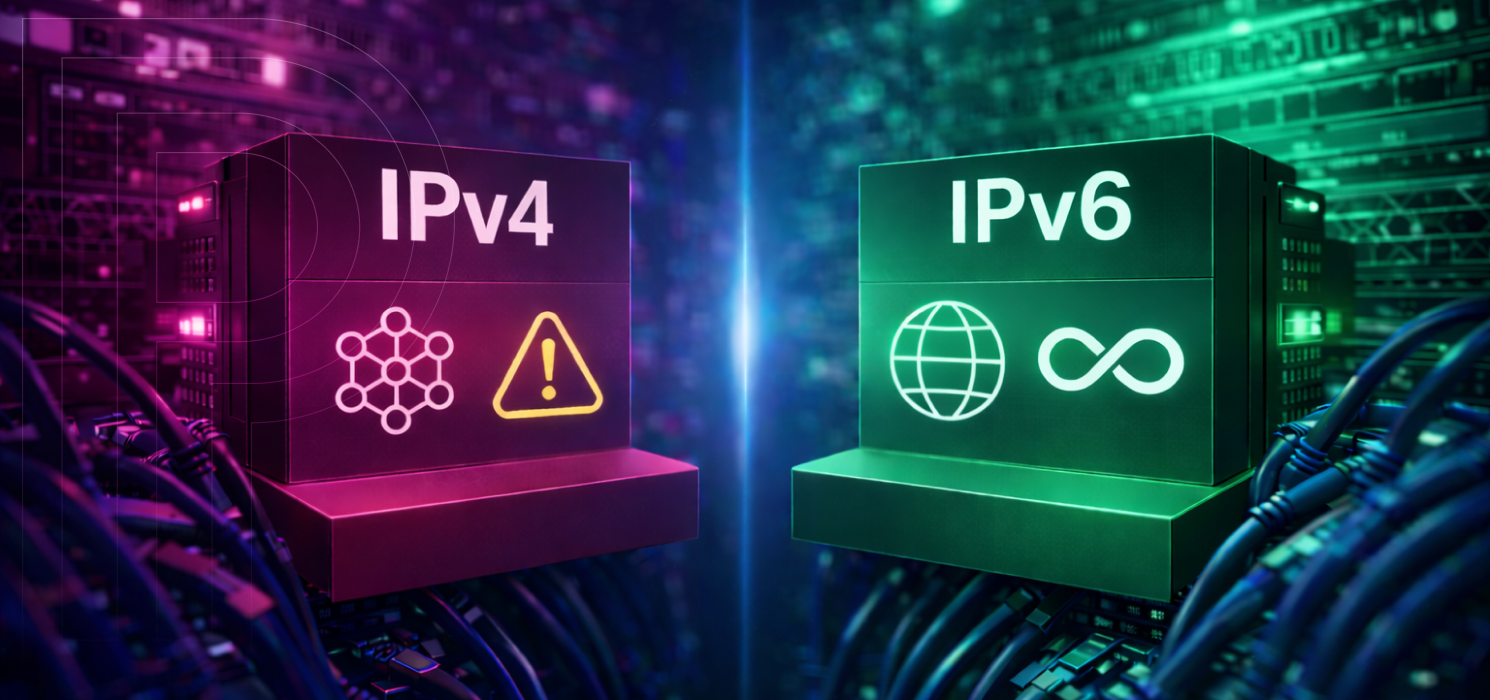
IPv4 vs IPv6
If you’ve ever checked your network settings or looked at your hosting dashboard, you’ve probably seen two types of IP addresses. One is a simple set of four numbers, like 192.168.1.1. The other is a long string of letters and numbers that looks like it came from a science fiction movie. This difference is what…
-

Git Basics for WordPress
If you’ve ever changed a theme or plugin, uploaded it, and then wondered, “Wait… what did I just change?” you already understand the problem Git solves. Git keeps your work organized, your teammates unblocked, and your future self grateful. It’s one of those developer skills that feels intimidating until it clicks. Then you wonder how…
-
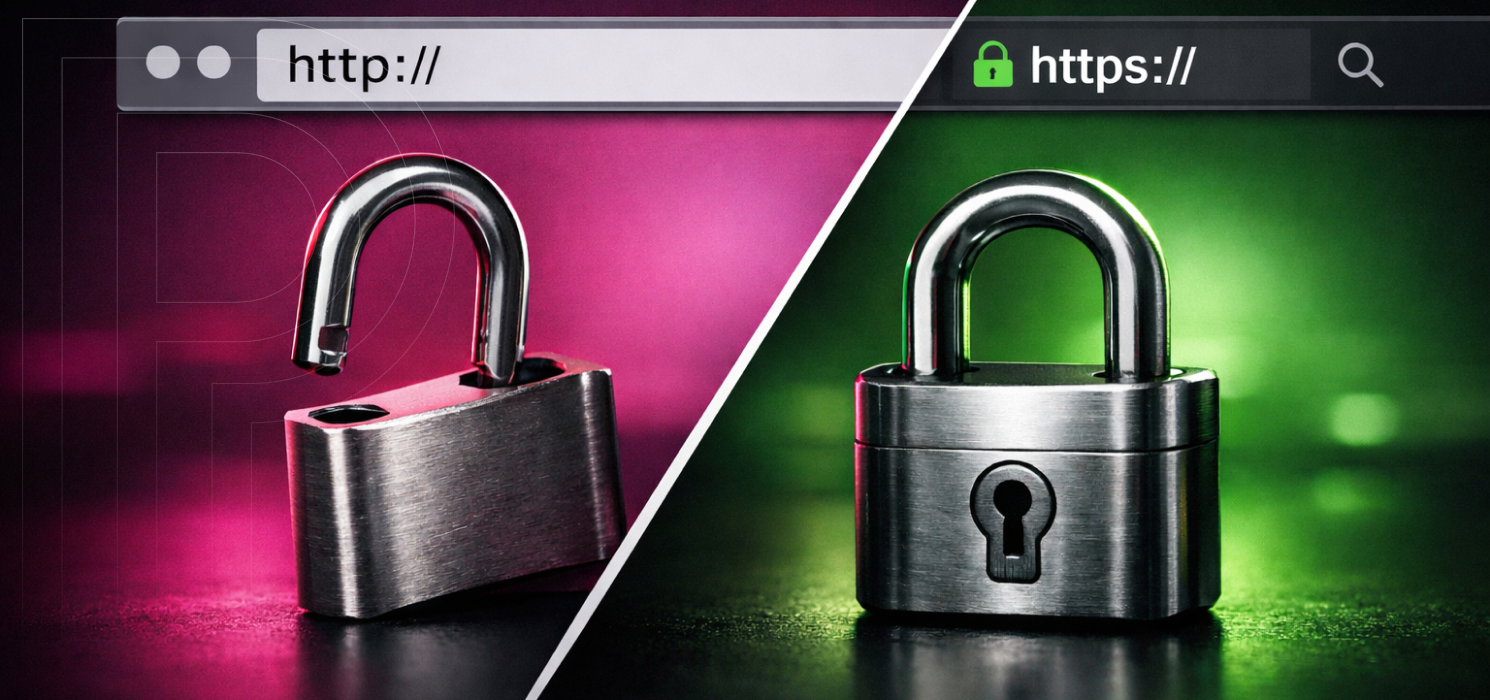
HTTP vs HTTPS: Understanding the Key Differences
Every time someone loads your website, whether it’s a homepage, a product page, or a WordPress login screen, there’s a conversation happening behind the scenes between their browser and your server. That conversation follows a protocol, and for most of the web’s history it was HTTP: the Hypertext Transfer Protocol. HTTP is essentially the set…
-

The Basics of Rsync for Everyday Use
Rsync, which stands for “remote sync,” is a file synchronization and transfer tool that has been used on Unix-like systems for decades. People still rely on it because it’s fast, reliable, easy to script, and built to move files efficiently, whether you’re copying between folders on one computer or syncing to a remote server. If…
-
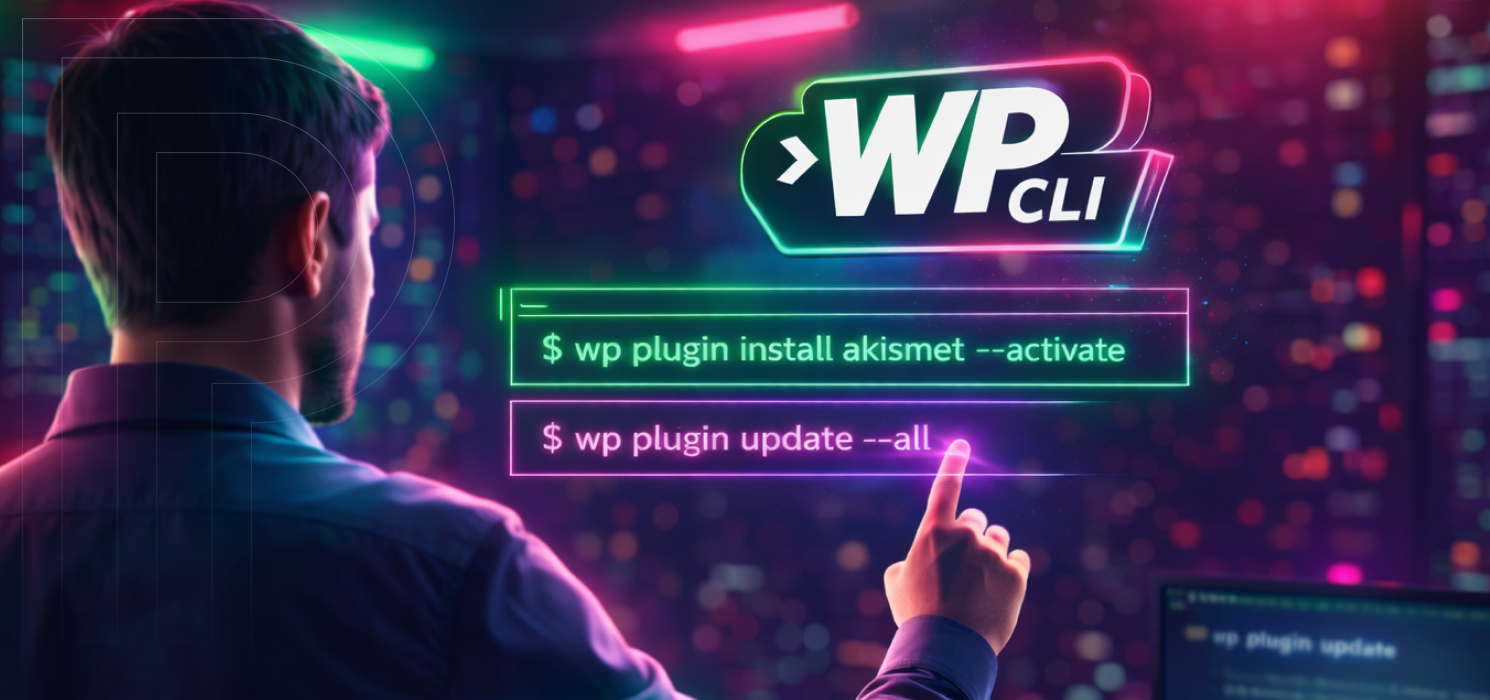
Managing WordPress with WP-CLI
WordPress admins and developers know a unique kind of frustration. You might know exactly what you need to do, from updating a plugin, flushing cache, fixing a bad URL, exporting content, or checking cron, but you still have to click through several screens, wait for the admin UI to load, and hope nothing times out…