

Tag: managed wordpress hosting
-
Critical PHP Security Updates Deployed Across Pagely Customer Servers
On October 21, 2026, the PHP project disclosed two critical vulnerabilities that can allow unauthenticated remote code execution on affected web servers. Both vulnerabilities received a CVSS v4.0 score of 9.2. Pagely deployed initial mitigations while preparing updated PHP containers, then completed the rollout of the full security fixes across customer servers. No further action…
-

How Your Hosting Provider Impacts Your WordPress Site’s Performance
Your WordPress site is slow. You know it, your visitors know it, and Google definitely knows it. The instinct is to blame the theme, or that plugin you installed last month. Check the platform underneath first. Most people treat hosting like a utility bill. Something you pay and forget about. That’s a mistake. Because while…
-

Is your website ready for the holiday traffic?
Holiday traffic is the best kind of problem, until it isn’t. When your campaign lands, your product gets featured, or that email goes out, the visitors you’ve worked so hard to attract can overwhelm an unprepared site. Slow pages, checkout errors, and outright downtime translate directly into lost revenue and trust. Holiday readiness is arithmetic:…
-
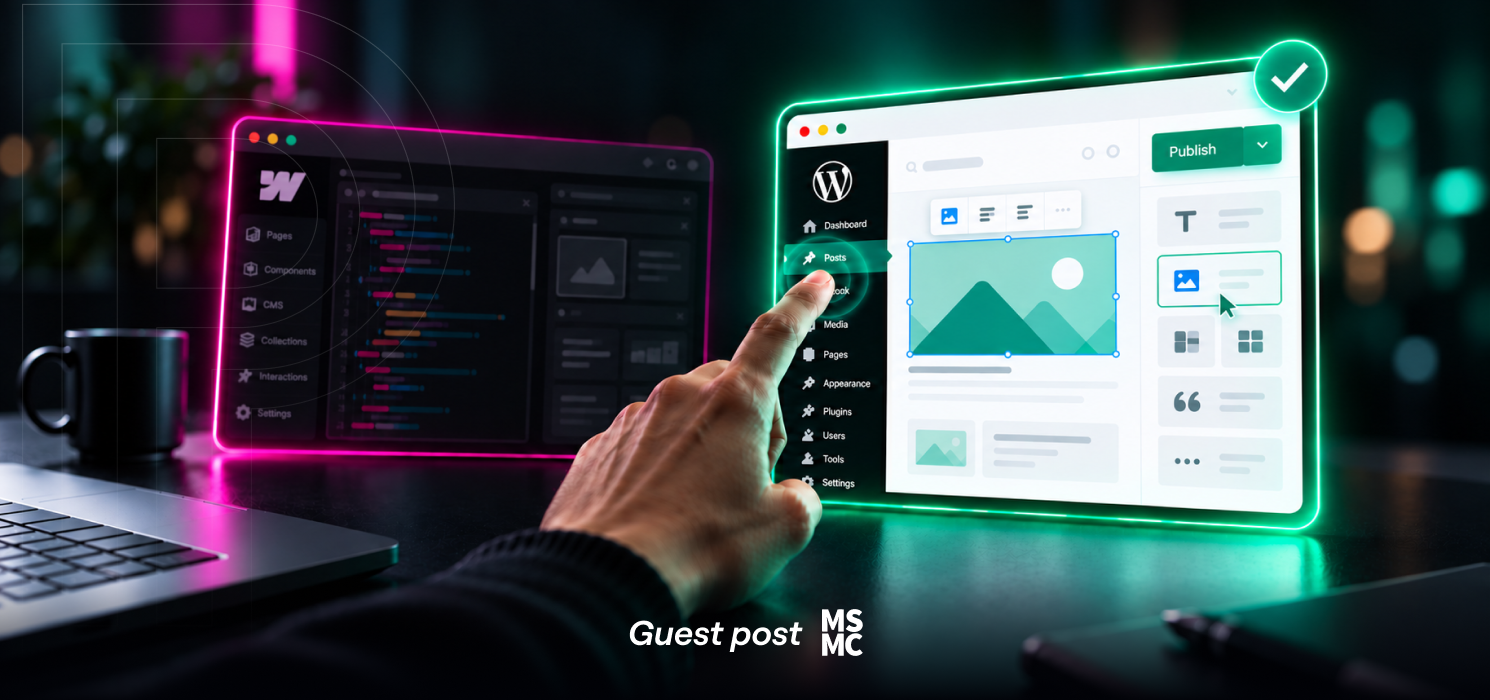
WordPress Still Wins for Enterprises. Here’s the Site Migration That Proves It.
WordPress runs 43% of all websites on the internet. Sixty percent of every site that bothers to use a CMS. Roughly 58% of the top 10,000 sites by traffic, per W3Techs. Webflow polls in the low single digits. That’s not because of nostalgia for WordPress. That’s a market voting, over and over, for the platform…
-

How to Create a WordPress Staging Site (and Why You Need One)
Have you ever updated a plugin on your WordPress site and had the screen go white? You didn’t change any code, but the site goes pear-shaped right in front of you, all from one little plugin. Panicked, you try a few things and manage to get it back online, only to see a distorted layout.…
-
Migrating WordPress? Here’s How to Protect Your Traffic
Switching your WordPress site to a new host or domain doesn’t have to mean losing traffic or stressing out. Think of it like relocating to a new home, you want everything to arrive intact, from your furniture to your favorite mug. For your website, that means preserving your SEO rankings, data, and visitor experience. Whether…
-

How to Set a WordPress Homepage for Your Business
When someone types in your main domain, your WordPress homepage is the first thing they see. Depending on how you set it up, WordPress can greet visitors with your latest blog posts or showcase a specific Page you’ve chosen as your front door. Most business websites benefit from a static homepage. With this setup, you…
-

Beyond WordPress: How Digital Teams Are Building Hybrid Stacks for Clients Who’ve Outgrown One Platform
There’s a conversation we have regularly with growing businesses. It usually starts with a client request that WordPress can’t quite handle cleanly. Maybe it’s a complex procurement workflow that needs to talk to an ERP. Maybe it’s a high-volume API that needs to process thousands of requests without touching the CMS. Maybe the client has…
-

Best Practices for WordPress Updates and Staying on the Latest WordPress Version
If you’ve ever managed a WordPress website, you’ve seen the notifications: “A new version of WordPress is available.” Keeping your site updated is one of the most important maintenance habits for security, speed, and unlocking new features. But what exactly happens when you click that “Update Now” button? In this post, we’ll break down what…
-

Why Manufacturers Are Modernizing Their Digital Platforms in 2026
If you’re in manufacturing, your website probably does a lot more than it used to. Your website is no longer just a digital brochure or a place to park product specs after a trade show. For many manufacturers, it has become the global storefront, the sales enablement hub, the partner portal, the go-to resource for…