

Tag: managed wordpress hosting
-
AI Is Reshaping CMS Decisions – How Drupal and WordPress Stack Up for Enterprises
In line with global AI trends, the ecosystems of Drupal and WordPress have recently seen major investments geared toward the adoption of AI in their core architectures. Both platforms are following a measured approach to include AI capabilities in their architectures rather than jumping into a feature rat race. How do WordPress and Drupal compare…
-
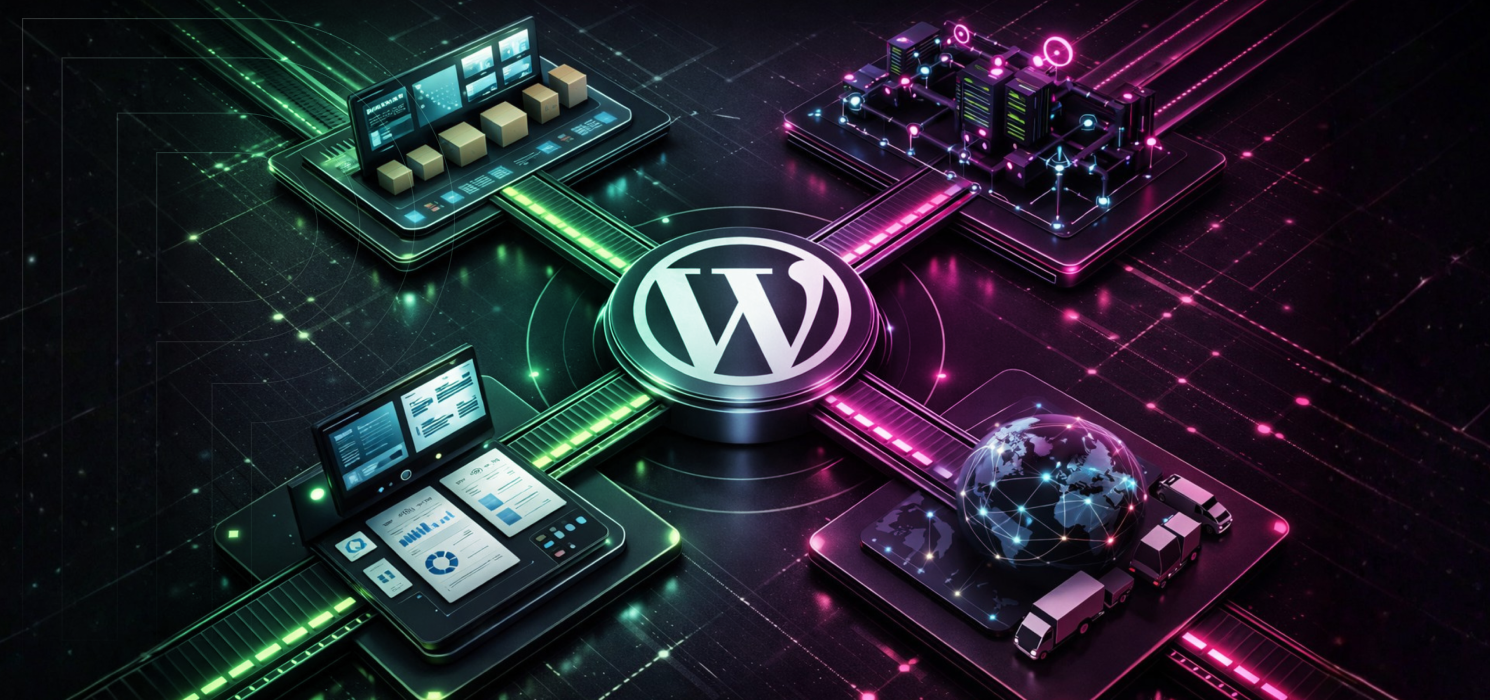
Why Modern Manufacturing Needs Enterprise WordPress
Procurement teams are not losing sleep over the age of your CMS. What matters to them is whether or not they can pull up a spec sheet instantly, find accurate part details, log in as a distributor without hassle, and grab the technical documents they need right when they need them. Buyers are digging into…
-
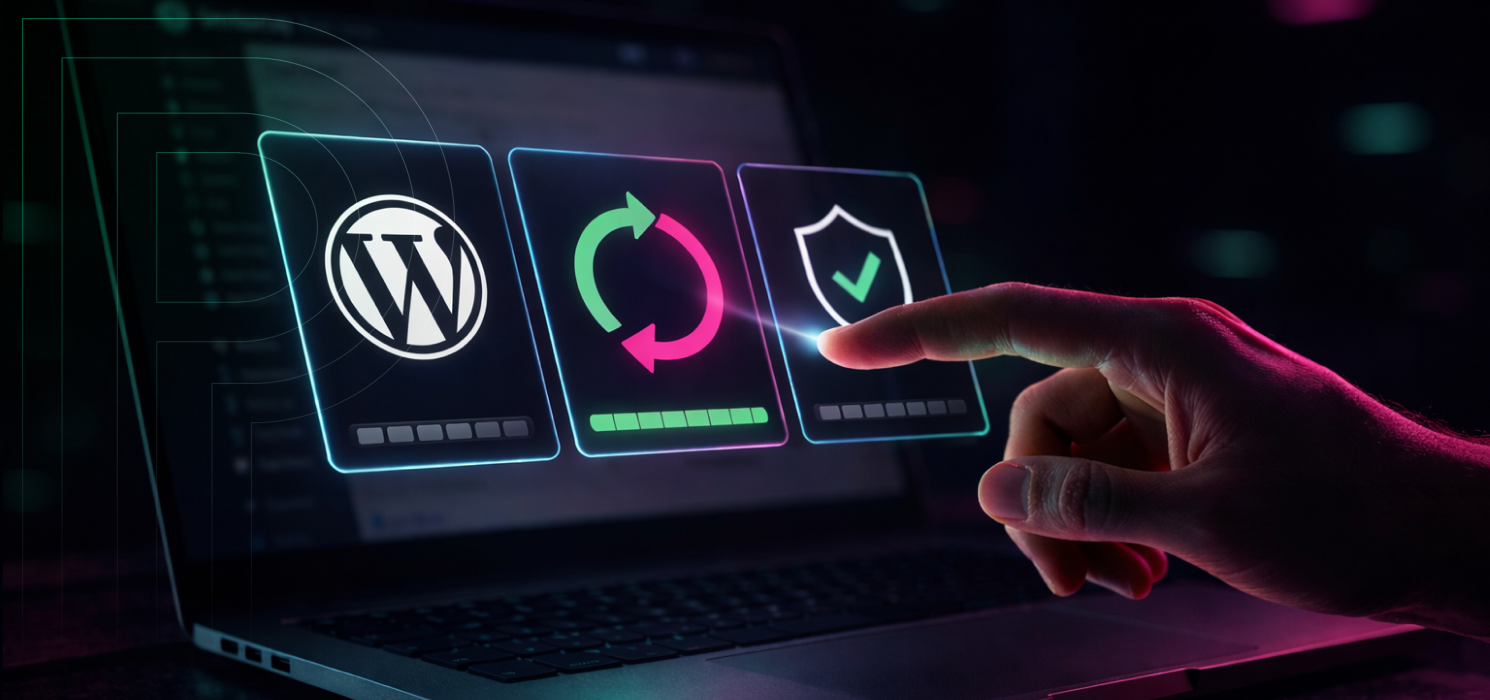
What to Do When a WordPress Update Breaks Your Site
Even if you keep your WordPress site in tip-top shape, sometimes an update can still cause things to break. That’s because WordPress is built on a collection of moving parts: the core software, your theme, all those plugins, and the PHP environment underneath. Each of these is updated on its own schedule, and when one…
-

DIY vs. White-Glove vs. Agency-Led: Choosing the Right WordPress Migration Path to Pagely
Migrating a WordPress site to a new host isn’t something you can approach with a cookie-cutter plan. The needs of a personal blog are worlds apart from those of a bustling eCommerce store, and each deserves its own strategy. At Pagely, we see customers take one of three main routes when it’s time to move.…
-

How Managed WordPress Hosting Secures Your Site
Managed WordPress hosting is like having a team of WordPress experts on call, handling the behind-the-scenes work so you don’t have to. Rather than just renting server space and hoping for the best, you get a provider who takes care of the technical details like server maintenance, performance tweaks, backups, updates, and security. If you’ve…
-
Configuring Your WordPress Site For Zero Downtime
We all dream of perfect uptime, but reality has other plans. Networks can get shaky, hardware gets old, and even the most reliable services can throw you a curveball. That’s why experienced WordPress teams focus on high availability instead. The goal is to keep your site running smoothly, even if something behind the scenes goes…
-
How to Find the Post ID in WordPress
Quick Answer: To find a post ID in WordPress, go to Posts > All Posts in your dashboard, hover over any post title, and look at the URL preview in the bottom-left corner of your browser. The post ID is the number that appears between post= and &action. For example, in post.php?post=1234&action=edit, the post ID…
-
An Introduction to Amazon RDS
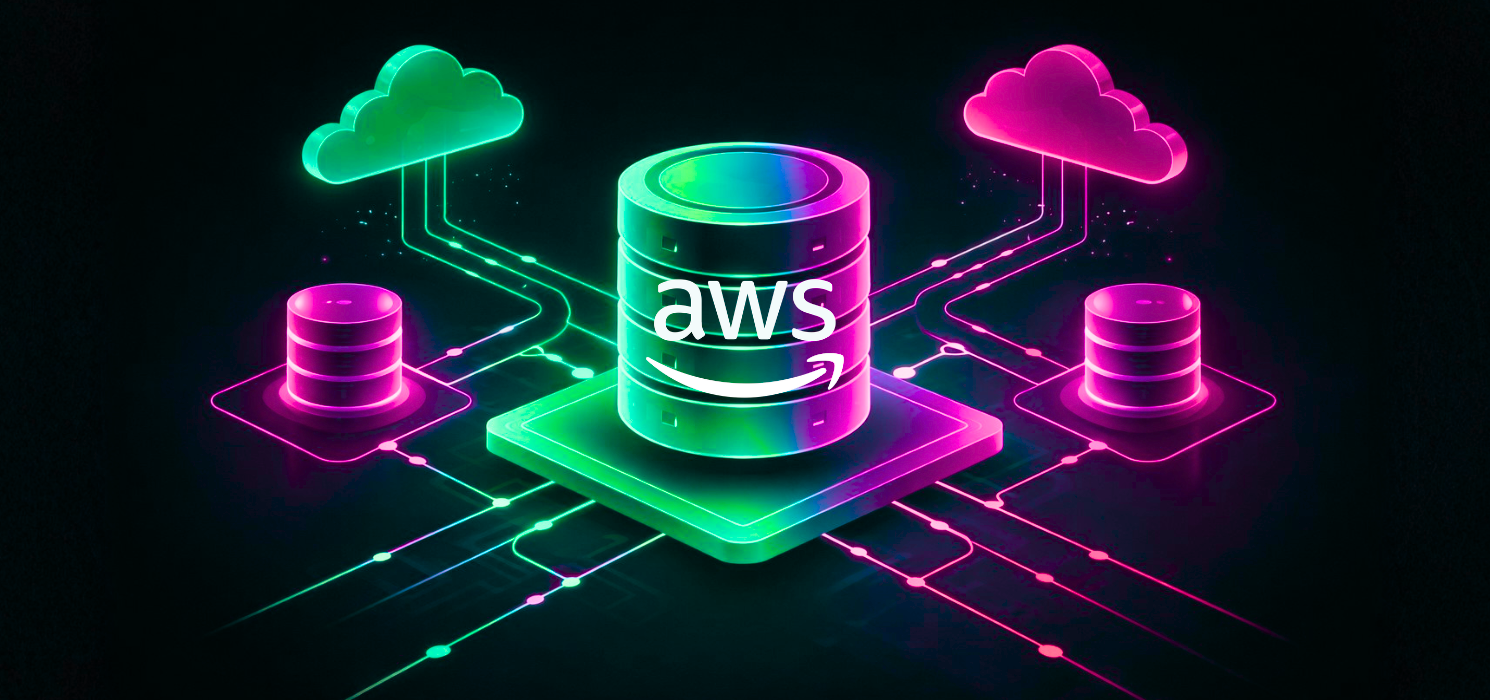
As innovators in the hosting space, we’re constantly testing hardware and software solutions here at Pagely to find the optimum balance between price and performance for the unique demands of WordPress. Through all of that testing, Amazon RDS emerged as the clear winner for our database solution. We’ve built our hosting solution on it so…
-

Risk Mitigation and the True Cost of Website Downtime
Most businesses don’t think twice about the necessity to carry the insurance policies to protect against various forms of loss. Errors & Omissions, Workers’ Comp, Liability… managing downside risk of unforeseen losses and limiting potential damage is a standard cost of doing business. But rarely do business owners go into a hosting scenario with the…
-
WordPress Multisite vs. Managing Separate Installations
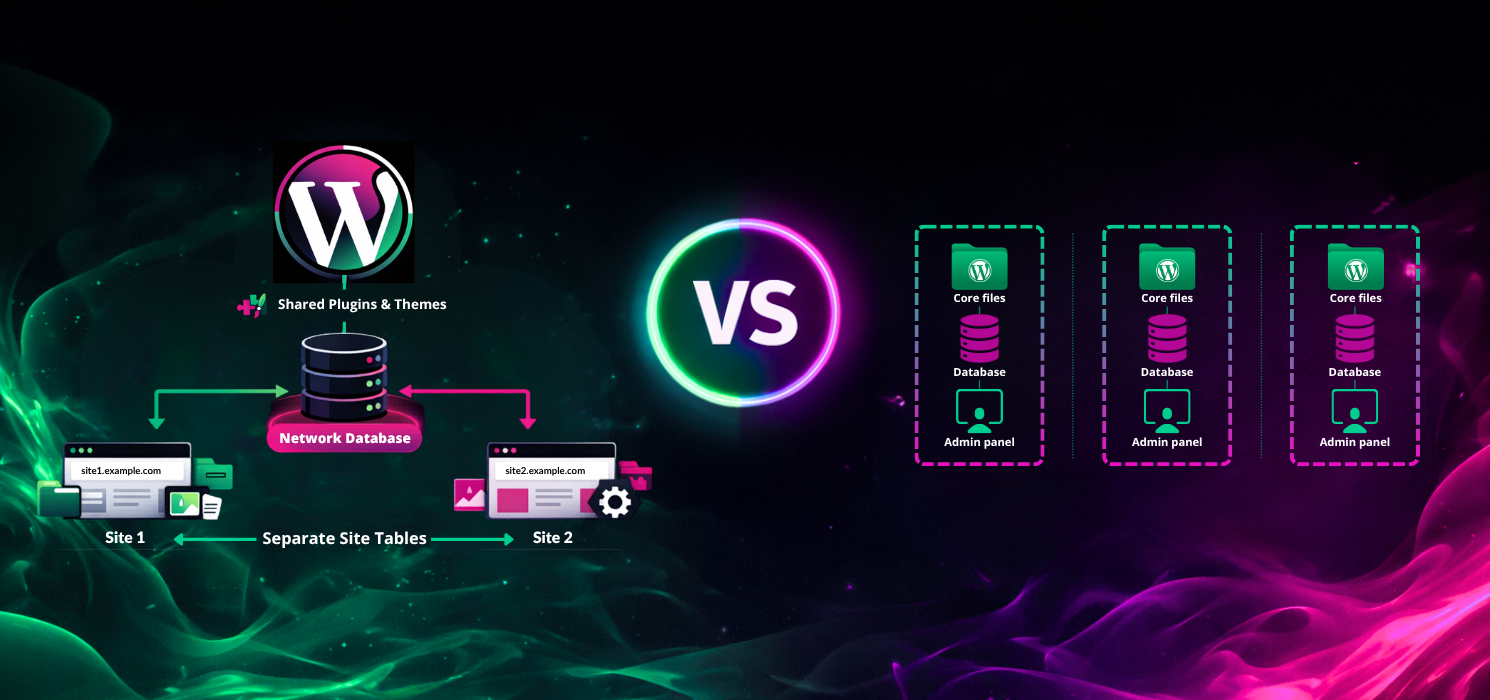
Choosing between WordPress Multisite and separate installations isn’t always straightforward. Both options can work, but the right answer depends more on how similar your sites are than how many you have. If your sites share branding, workflows, and features, Multisite is often the smoother path. If your sites have different audiences, risks, or business goals,…