

Tag: design
-
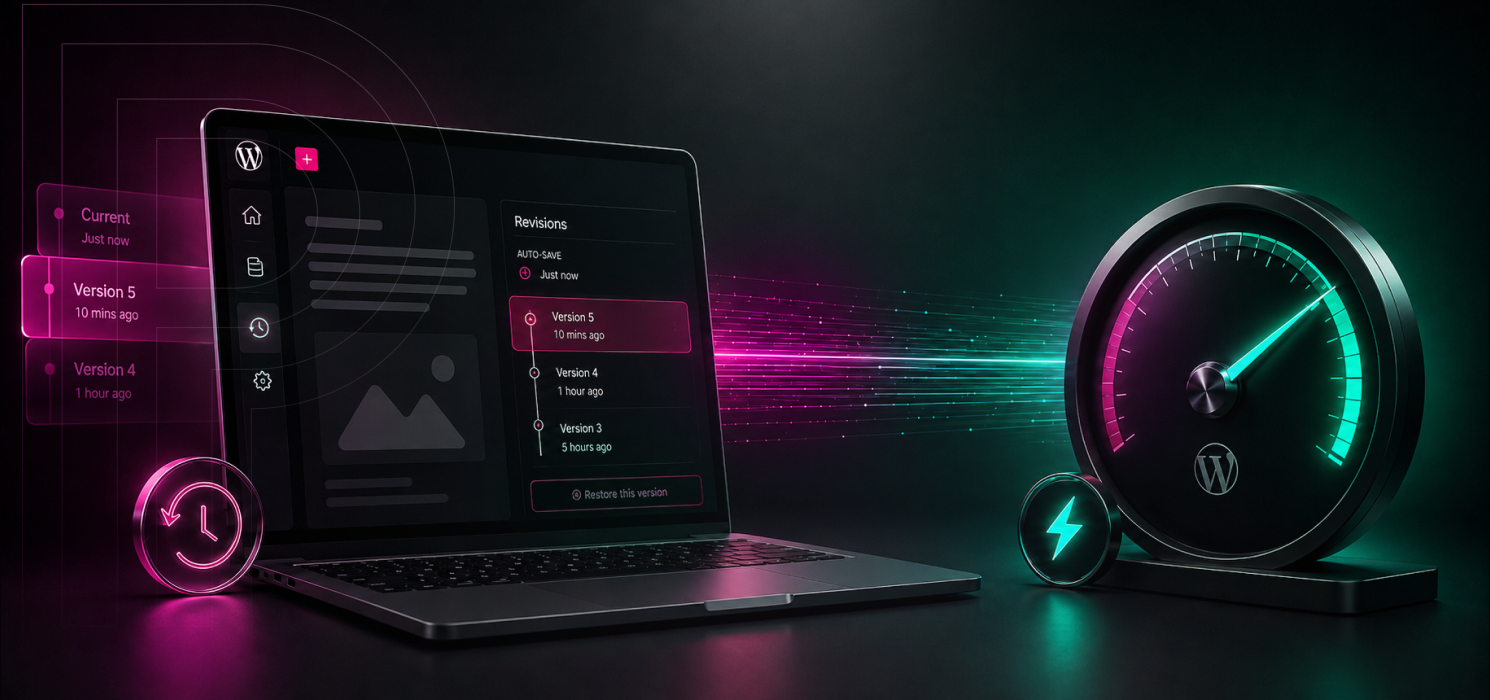
WordPress Revisions and Autosaves: How to Recover Content Without Slowing Your Site
You’re updating a service page, swapping out a few paragraphs, and you hit Save. Ten minutes later, someone spots that the original copy had an approved legal disclaimer. Suddenly, you need that earlier version back. This is exactly the kind of slip-up WordPress revisions are designed to fix. WordPress revisions quietly keep track of every…
-
How to Build WordPress Landing Pages Without Creating Content Debt
It can take a few hours to launch a WordPress landing page and several years for it to completely disappear. It’s easy to miss that imbalance. Whenever there are product launches, promotions, events, or paid campaigns, there is pressure to get things published quickly, and the quickest way to do this is usually to copy…
-
Every AI-Built Product Looks the Same – Here’s the Opening for WordPress
Open ten Product Hunt launches in a row this week. Same gradient hero. Same rounded card grid. Same badge with the little pulsing dot. Same font. You could swap the logos on half of them and nobody browsing quickly would notice. That is not a coincidence and it is not a phase. It is the…
-
Why Accessibility Testing Belongs Inside WordPress
Every WordPress site I have worked on in the last decade shares the same accessibility gap, and it is rarely the one people expect. The people involved care about accessibility. The problem is where their tool lives: a separate platform, another login, disconnected from the place where the work actually happens. Accessibility gets made and…
-
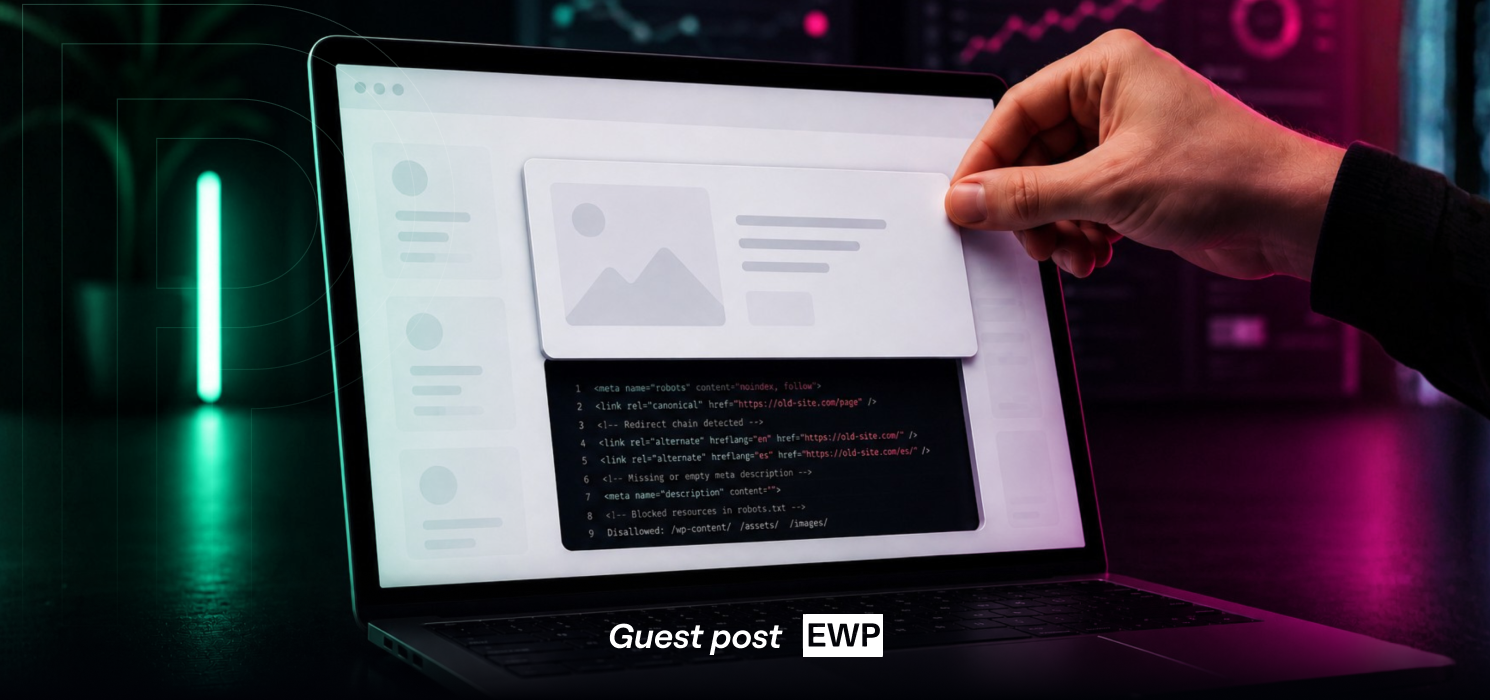
Why Website Redesigns Can Hurt Your SEO (and How to Avoid It)
Every website reaches a point where it needs a redesign. Maybe the design looks dated, the site has become difficult to manage, or it simply no longer reflects the business behind it. A fresh website can improve user experience, increase conversions and make day-to-day management much easier. But there’s one thing that’s often overlooked. A…
-
Top WordPress Development Agencies
One of the biggest benefits of using the WordPress content management system is the enormous development community supporting it. Whether you need a new WordPress site with custom functionality or a nifty new plugin, there are hundreds of web development companies ready to take on your WordPress project. But having so many options presents a…
-
AI Is Reshaping CMS Decisions – How Drupal and WordPress Stack Up for Enterprises
In line with global AI trends, the ecosystems of Drupal and WordPress have recently seen major investments geared toward the adoption of AI in their core architectures. Both platforms are following a measured approach to include AI capabilities in their architectures rather than jumping into a feature rat race. How do WordPress and Drupal compare…
-
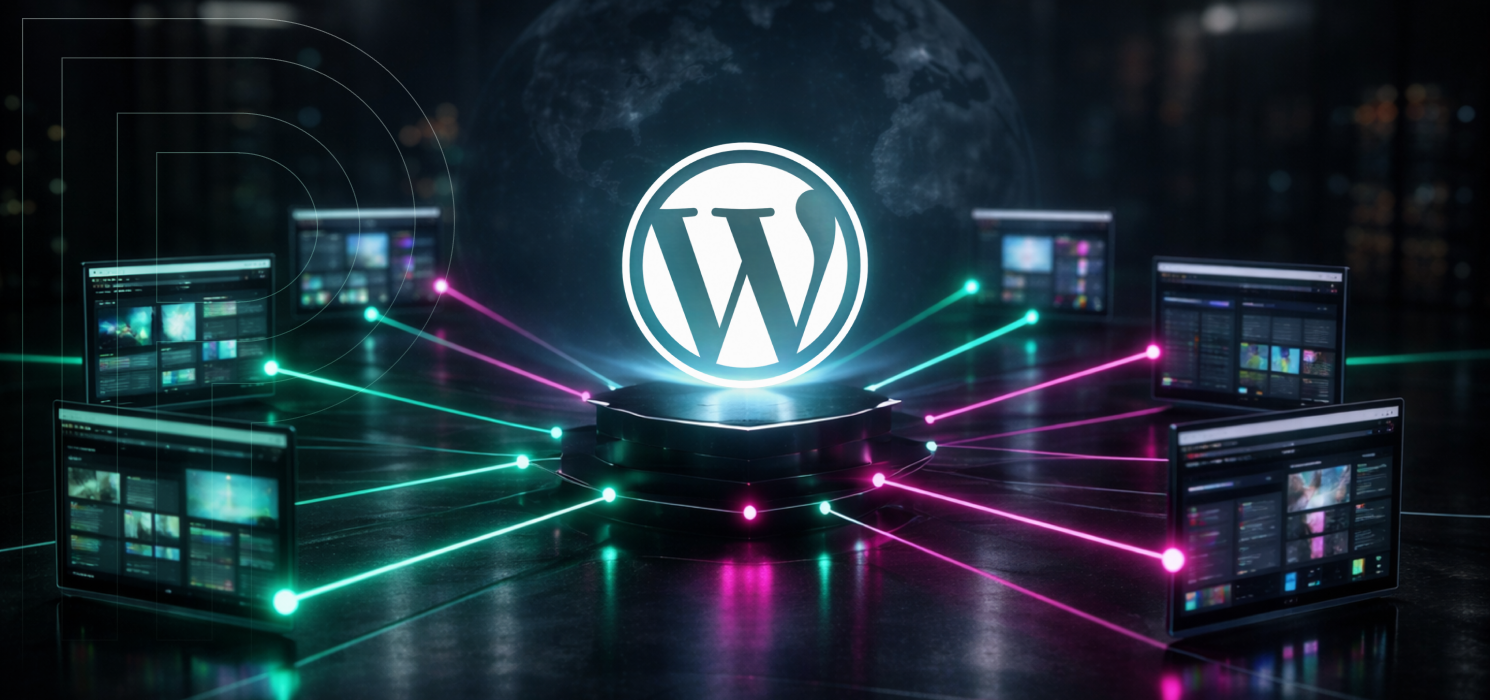
What is WordPress Multisite?
WordPress Multisite is a feature that lets you run several websites from a single WordPress install. You get one set of core files, one wp-config.php, and one place to manage your themes and plugins. Each site keeps its own content, settings, and media library separate, but you manage everything from a central Network Admin area.…
-
How to Create a WordPress Child Theme
If you’ve ever made a tweak to your WordPress theme and felt a little nervous before hitting “Update,” you’re definitely not alone. Themes get updated, files get replaced, and the more you customize, the more you need a safe spot for your changes to live. That’s where a child theme comes in. In this guide,…
-
Top 7 Things to Consider When Redesigning a WordPress Site
Redesigning a WordPress site rarely ends up being “just a redesign.” Sure, the visual refresh matters. But if you’ve ever lived through a redesign that shipped on time and still felt like a letdown, you already know the trap: when a site gets prettier but becomes harder to edit, slower to load, or quietly drops…